
If you’re like most B2B eCommerce companies, you’ll check in with clients periodically, learn something important you don’t want to lose track of, or may have multiple people working with them over time. As a result, keeping track of interactions and important information in an accessible location can be a critical part of getting to know and properly servicing your various accounts.
The latest addition to the Zoey CRM functionality adds an activity log so you can capture when interactions take place, and key information that is important to note on the account for future reference.
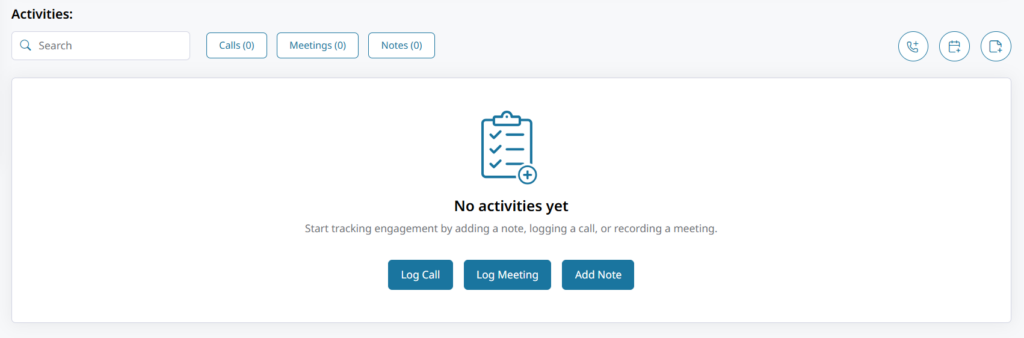
The new Activities section, found within Accounts, offers three ways to record activity:
- Log a call: Record basic information such as the date and time of the call, who was spoken to, what type of call it was, and the call’s outcome, as well as important notes captured from the call.
- Log a meeting: Capture the date and time of the meeting, who attended, whether it was in person or virtual, and any key learnings or details.
- Add a note: A more open-ended way to capture important information you need to keep track of around the account.
Activity can be Linked to other Customers, Locations and Activities for a better way to view how things progress or interconnect. Editing capabilities exist, and like other Zoey features, an Audit Log offers a way to see who is making changes and when.
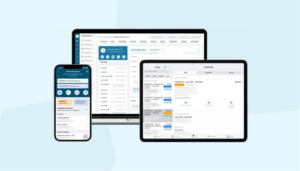
Users of the Zoey app also have the ability to add a note to an account directly from the app.
By centralizing other key information about your Accounts in the same place you can already review details such as Orders and Locations, the Zoey CRM offers a more complete picture of each Account, as well as providing information to any internal stakeholders who can benefit from this information. These notes are not visible to your Customers, ensuring it’s treated as internal information.
Zoey CRM Activity Logging is live on Zoey accounts, and our support documentation can help you get started with the new capabilities!