
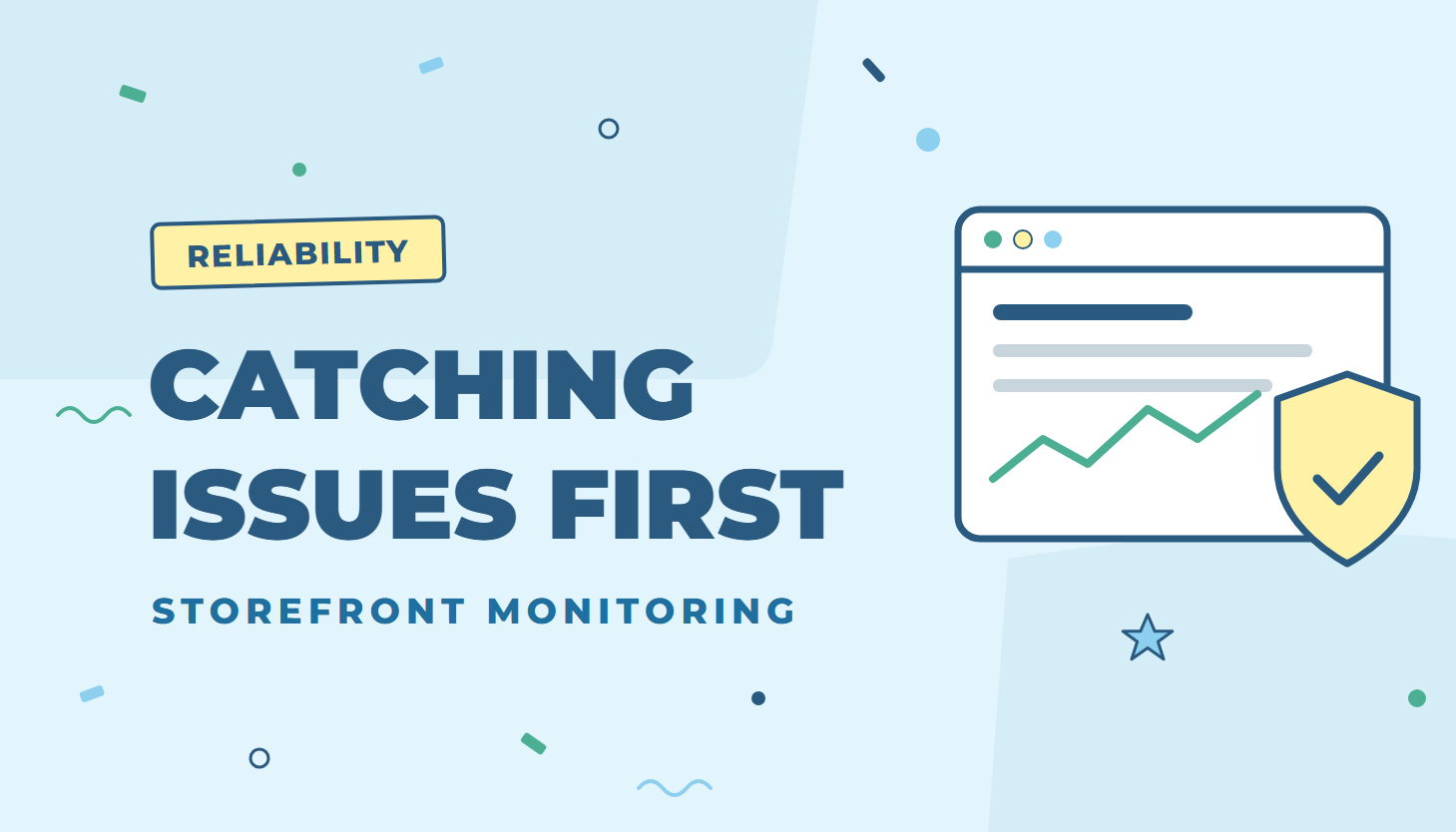
A broken button or a script error in a shopper’s browser usually goes unnoticed until a customer calls. Zoey now watches for these problems in real shoppers’ browsers on every Zoey store, so our team sees them first, often before anyone reports them.
What we monitor
- JavaScript errors on storefront pages, with extra attention on cart and checkout.
- Files that fail to load for shoppers.
- Which page, browser and device each problem happens on, so we can find the cause quickly.
Errors that come from a store’s own custom code are tracked separately, so the platform issues that affect everyone get fixed first. If we spot a problem in your custom code that affects your customers, we will let you know.
Already fixed thanks to the monitoring
- Older iPhones and iPads: some storefront scripts did not run on devices with older versions of iOS. They now work again on those devices.
- Address autocomplete at checkout: pressing Enter in the address field without picking a suggestion no longer causes an error.
- Checkout and cart: fixes for PayPal order review, the state/region dropdown, and an ad tracking tag that could stop other scripts on the order confirmation page.
- Volume pricing: the subtotal estimate on product pages now works on every configurable product with tier prices.
- Account switcher: the “Viewing Account” bar for customers with several accounts now appears immediately instead of pushing the page down after it loads.
- Mobile app: product stock in the Zoey mobile app now matches the stock shown in your store.
Other fixes in this round
- Social share images and page titles are correct again when a product link is shared.
- VAT is now calculated correctly when free shipping applies.
- Text boxes no longer disappear in the Visual Designer.
This is part of how we keep Zoey reliable for every store: find problems early, fix them at the platform level, and release the fixes quickly.