

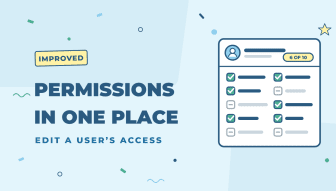
Changing what a team member can see and do used to mean opening one panel, then another panel on top of it for pages, and another for permissions. Now it all happens in one wider panel.
What’s changed
- Open a user under Team › Users and click Edit Permissions on the Role & Permissions card. The panel is wider and has three sections: Page Access, Permissions, and Accounts & Other Access.
- Tick pages and permissions directly in the panel. Each section has Select all and Clear, and a count of what’s selected.
- Pages with sub-pages show “N of M pages”. Click it to pick the sub-pages right there. Ticking a parent page ticks its sub-pages too.
- Nothing changes until you click Save, and Cancel discards your changes.
Easier to read at a glance
- The Role & Permissions card shows a cleaner list: a green check for what’s allowed, a faded dash for what isn’t, and an “N of M allowed” count.
- Page Access is now one list, with “N of M pages” next to pages that have sub-pages.
Editing roles under Team › Roles works as before. The new panel is available now for every Zoey store.
