

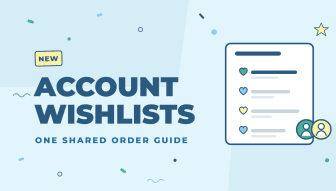
Your B2B customers rarely order alone. A buyer, an office manager and a site lead may all order the same products for the same company. Account Wishlists give every Account one shared list of the products they order, so everyone at the company works from the same order guide.
For your customers
- Every contact at the Account sees the same wishlist on the storefront and can add items from it to their cart.
- Account roles control who can view the wishlist, who can add items and who can edit them, so a buyer can manage the list while others just order from it.
For your team
- Manage an Account’s wishlist from its Account page in the admin: add products, remove them, drag them into the order your customer wants, and add comments to individual items.
- Add wishlist items straight into an order when you create one in the admin.
- Every change is recorded in the Account’s audit log, so you can always see who changed the list and when.
Turn it on
Account Wishlists are off by default. Turn on Enable Account Wishlist in your Account settings, then set the wishlist permissions on your Account roles.
It is a great fit for distributors who build order guides for their key accounts, and for any company where several people place orders.
