
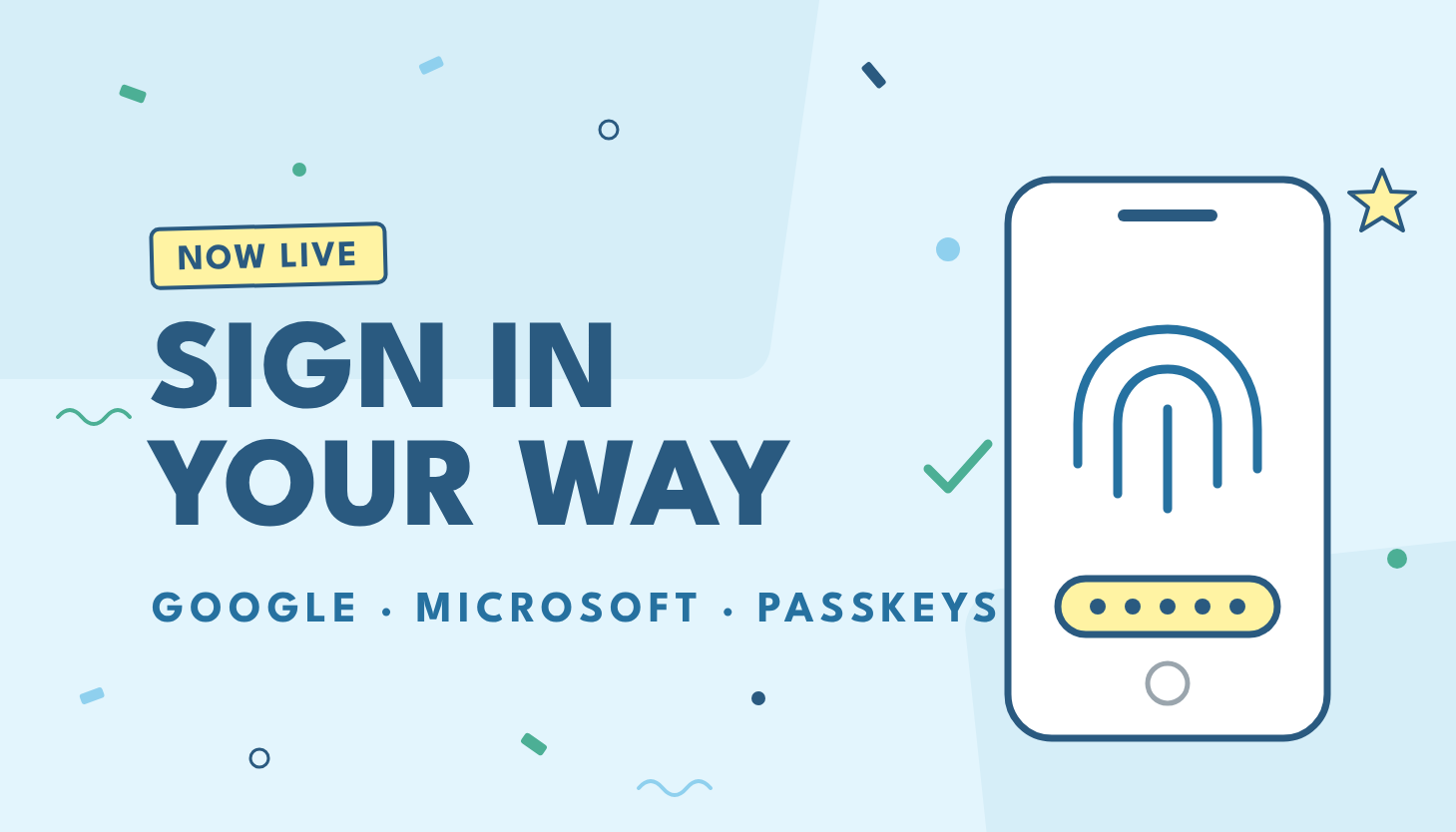
Signing in to Zoey just got faster. Your Zoey account now supports more ways to sign in: use your Google or Microsoft account, set up a passkey to sign in with your fingerprint, face or device PIN, or get a one-time code by email instead of typing a password.
New ways to sign in
- Google: Sign in with your Google account.
- Microsoft: Sign in with your Microsoft account.
- Passkeys: Sign in with your fingerprint, face or device PIN. Passkeys are tied to your device, so there’s no password to remember or to be stolen.
- Email code: Enter your email and we’ll send you a one-time code to sign in with.
Your email and password still work exactly as before.
How to use it
- Go to the Zoey login page as usual.
- Choose Google, Microsoft, a passkey or an email code, or sign in with your password.
- Follow the prompts to finish signing in.
Nothing changes for your team unless they choose a new option.
As always, thanks for building with Zoey. Questions about signing in? Reach out to our support team.